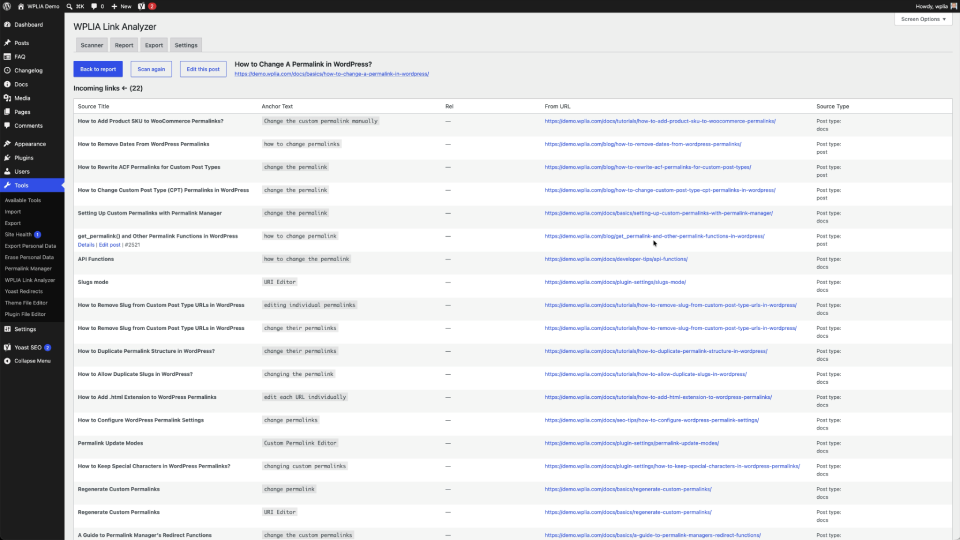
The Simplest Internal Link Scanner for WordPress
Most link analysis tools rely on web crawlers. Those crawlers cannot see password-protected pages, draft posts, or noindexed content. WPLIA is a self-hosted plugin that connects directly to your WordPress database. It scans every post, page, and CPT item from the inside without server timeouts.
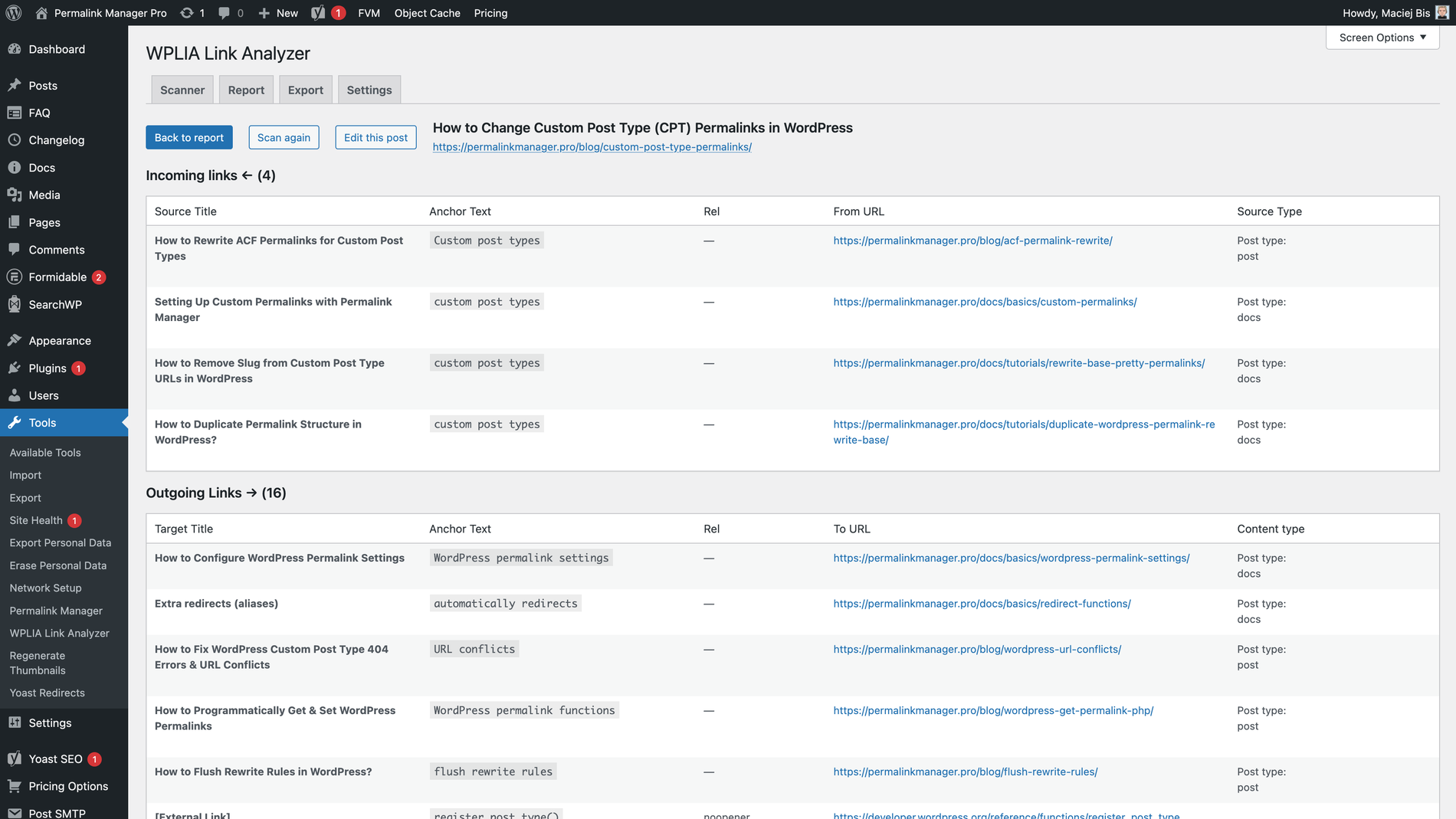
With WPLIA, you do not have to guess your internal links anymore. The plugin gives you a full report in your dashboard.
It helps you find orphan pages, overlinked URLs, and understand how your content is linked.
Read docs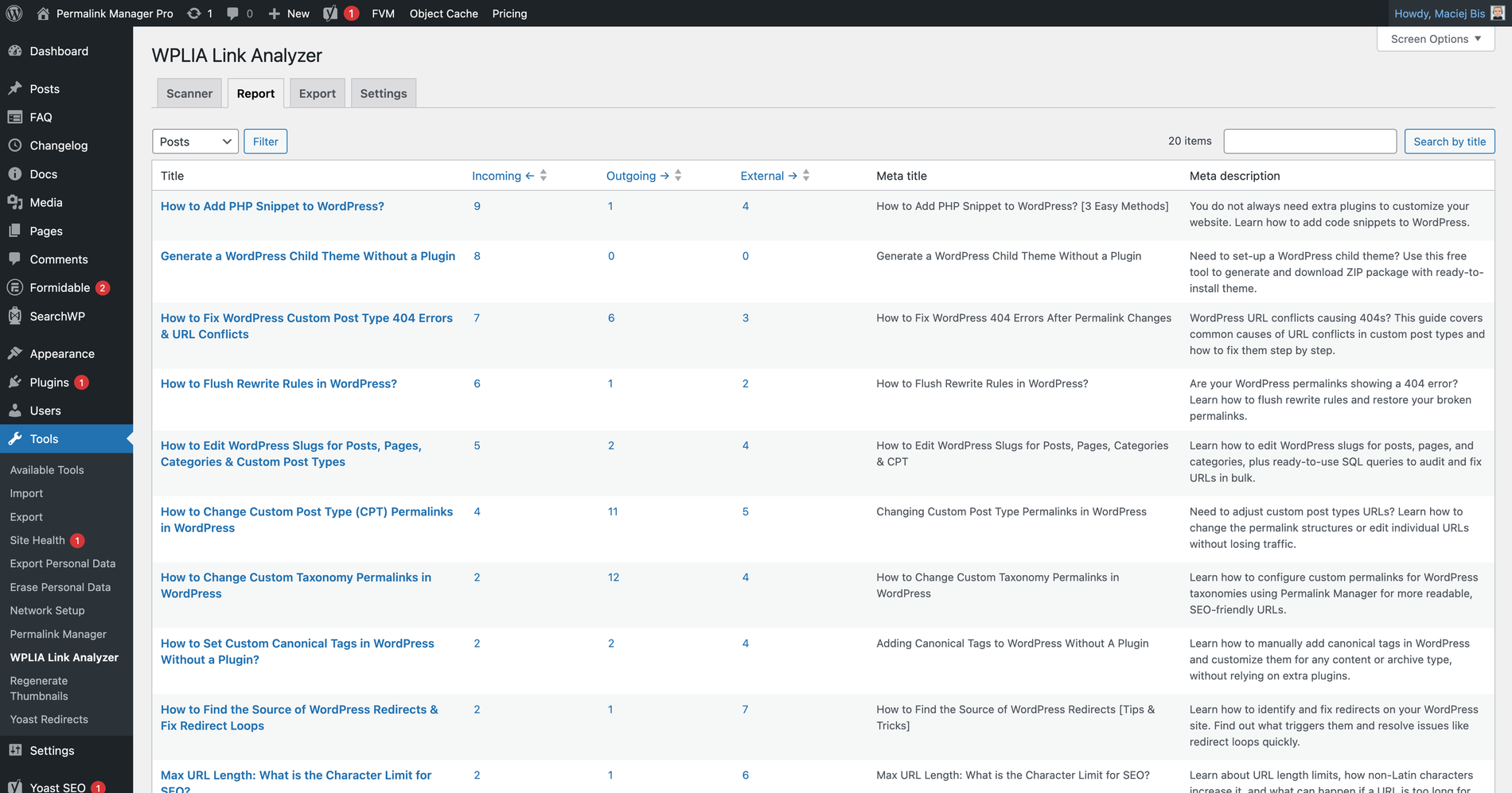
The plugin shows scanned data in separate sections for posts, pages, and custom post types. For each item, you can see incoming, outgoing, and external links.
If you use Yoast SEO, Rank Math, or SEOPress, the plugin also shows meta titles and meta descriptions for better context.
Read docs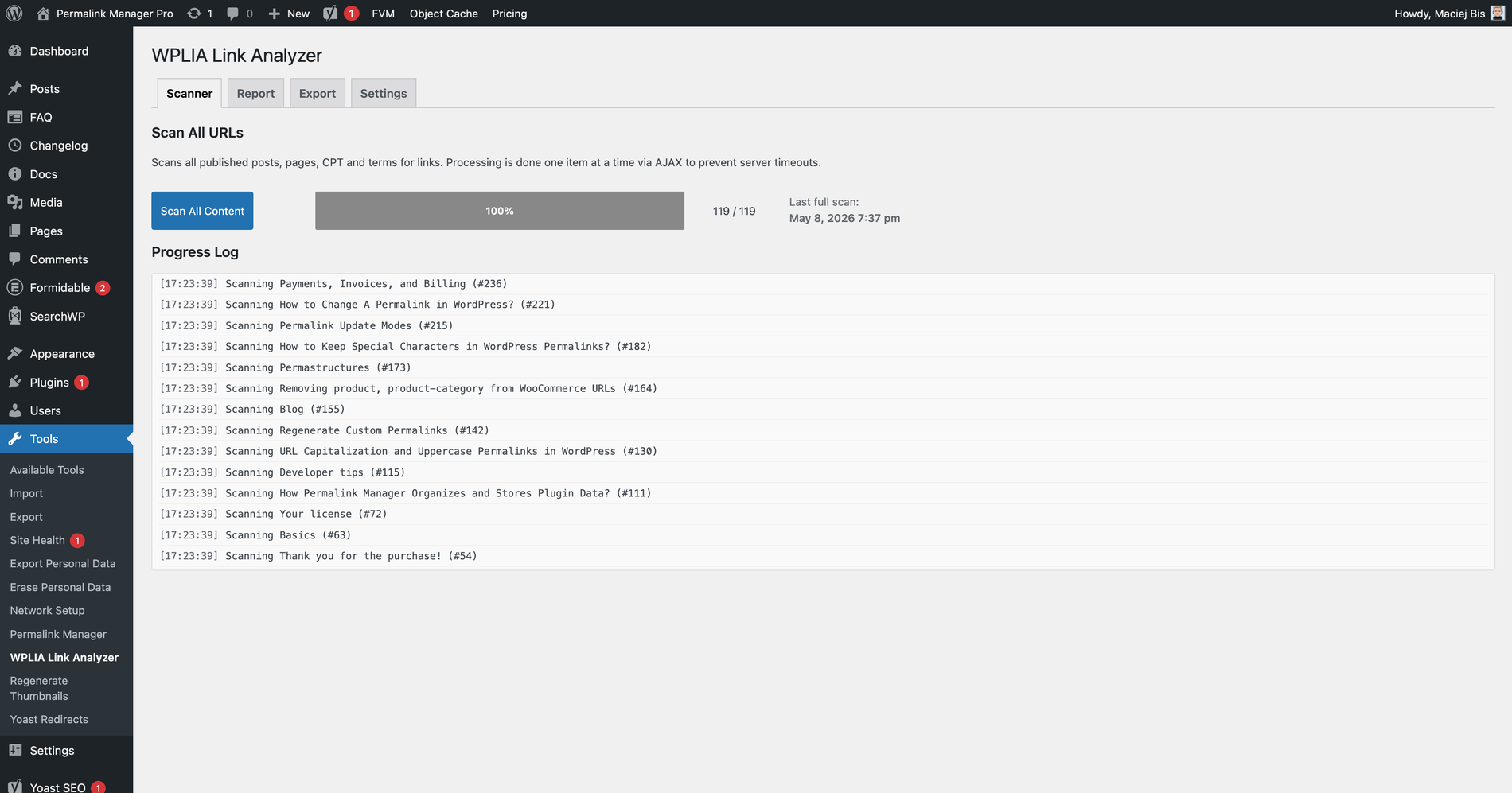
WPLIA is ready to use as soon as you install it. Just open the plugin from your WordPress admin dashboard and run the scan.
It works entirely within WordPress, processing content in small batches without server timeouts and no data leaving your website.
Read docs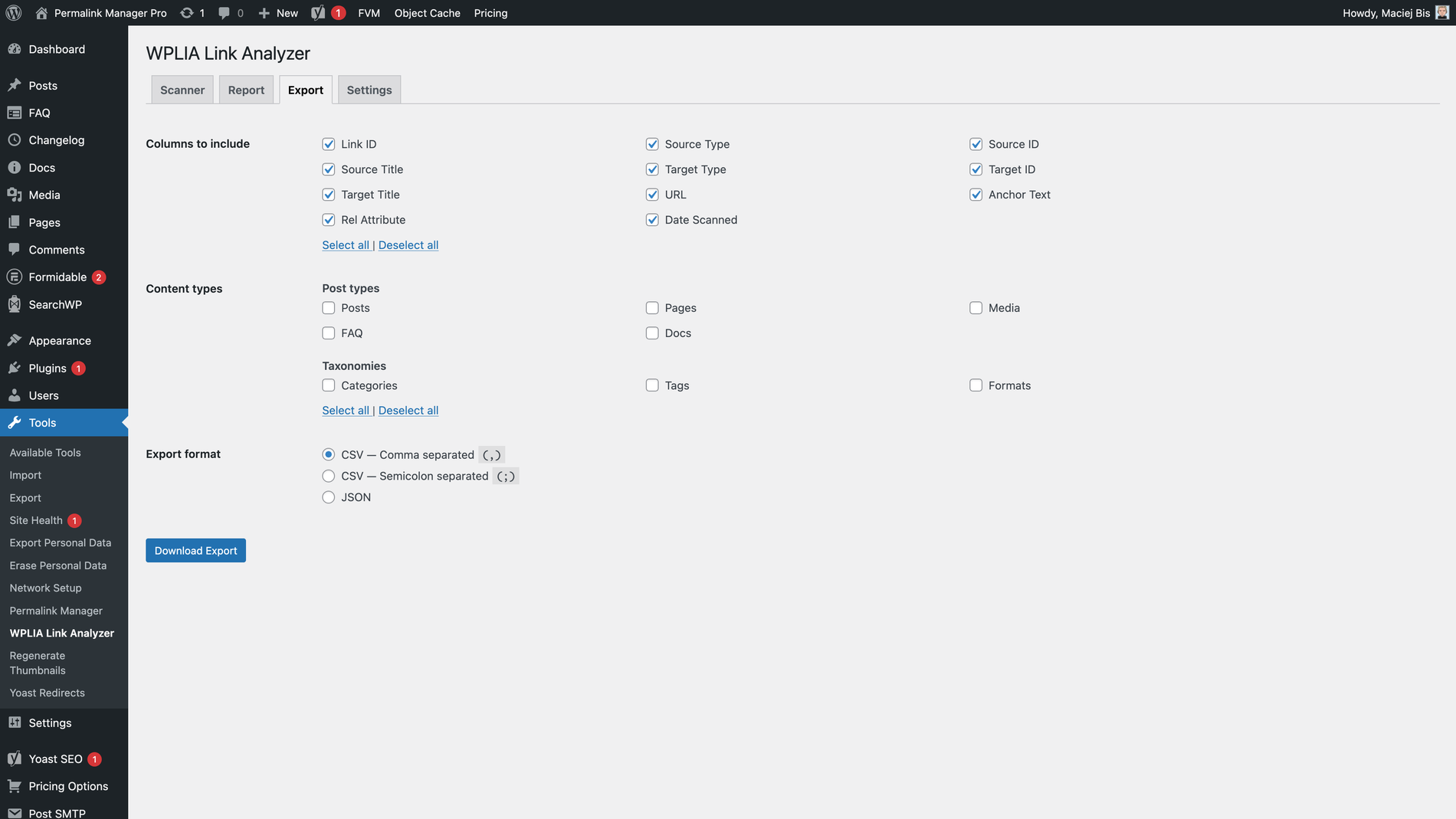
The plugin keeps things simple. It extracts links, counts them, and groups them into a simple report. If you want to do more with that data, you can export it at any time.
Just select the columns and content types and save your file as CSV or JSON. Import it into Excel, Google Sheets, or SEO tools you already use. The data stays in your control.
Read docs